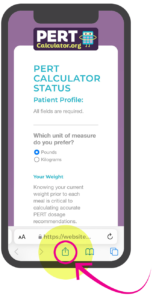









SAVE THE APP TO YOUR HOME SCREEN
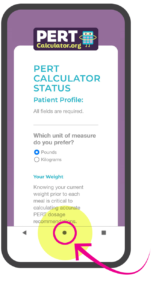
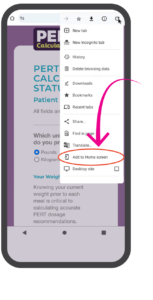
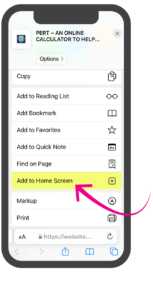
Step 2: When the window appears with options, select add to home screen.
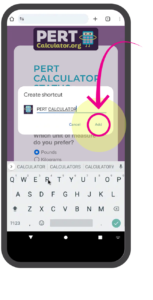
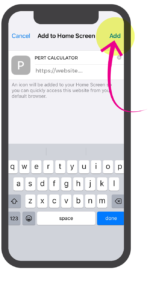
Step 3: The icon and App name will appear with URL. Simply click the add link in the top right corner.
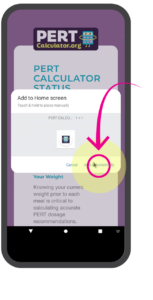
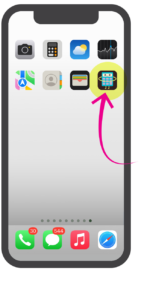
Step 4: The icon and app name will appear in the next open spot on your phone or tablet screen.